
Light Mode

Script your own filters with our proprietary formula language using the Formula Editor. The result is proprietary custom data that YOU and ONLY YOU HAVE! That is the power of Trade Ideas Scripting.
Free account, just an email. No card. Live access for a limited time.

Named to the Inc. 5000 list of America’s fastest-growing private companies six years in a row (2017–2022).

Investopedia: Best Short Term Stock Screener, 2024
Looking for an API? See what you can program in Trade Ideas.
The Formula Editor is in every TI Pro plan. It's a power tool, but anyone with the skills can use it; only OddsMaker testing needs TI Premium.
In OddsMaker, a profit target or stop can use a filter value, including a formula you wrote here, so you can set your exit to a custom formula.
[Vol_10]/[Float]*100: the percent of the float traded in the last 10 minutes.v_up_1 / v_up_5 * 5: last minute's volume against the average one-minute pace of the prior five. Set the minimum to 2 to see only stocks trading at twice that pace.(v_up_5/(v_up_10-v_up_5))*100: volume in the last 5 minutes compared with the 5 minutes before that (from the Volume 5 Minute help page).[PCR]??1111: the Put/Call Ratio, or 1111 when it is blank, so you can find stocks with no ratio (from the Put/Call Ratio help page).No code? Ask the AI Assistant. It builds Alert windows and Top Lists from plain English.
New to scripting a scanner? Start with stock scanner scripting.
The Formula Editor is where you script custom filters on Trade Ideas data, put them in a strategy, and backtest that strategy in OddsMaker. Holly is the AI Trade Ideas already built. This is the one you build.
It is not connected to Holly. A formula does not change her signals. It builds a scan that only your account runs.
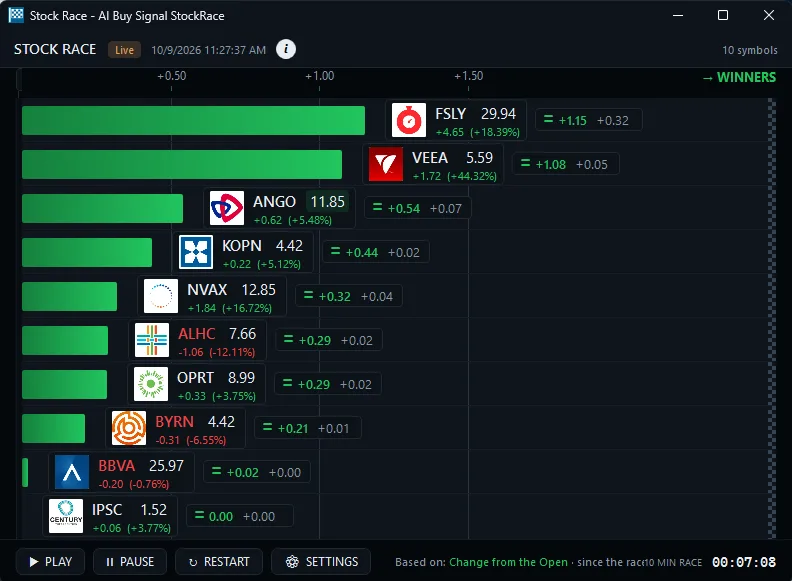
The editor uses the data Trade Ideas already watches: price, volume, float, relative volume, and the rest of the filter codes. You mix those with math. The syntax is C-style: operators, comparisons, and if/then. Formulas save to your account, can be shared, and run like the built-in filters. Some data items exist only here.
Custom formulas are one of four checks for strong analytics technology. See which company has the strongest analytics technology for active investors.
A formula is a filter. It narrows a live scan. It does not invent a data field the product does not have, and it does not rewrite an alert type. What it does is combine the fields into a rule nobody else is running.
v_up_1 / v_up_5 * 5Set the minimum to 2 and the scan only shows stocks whose last minute of buying volume is at least twice the average one-minute pace of the prior five minutes. That filter can be the heart of a strategy. OddsMaker then tells you whether it had an edge.
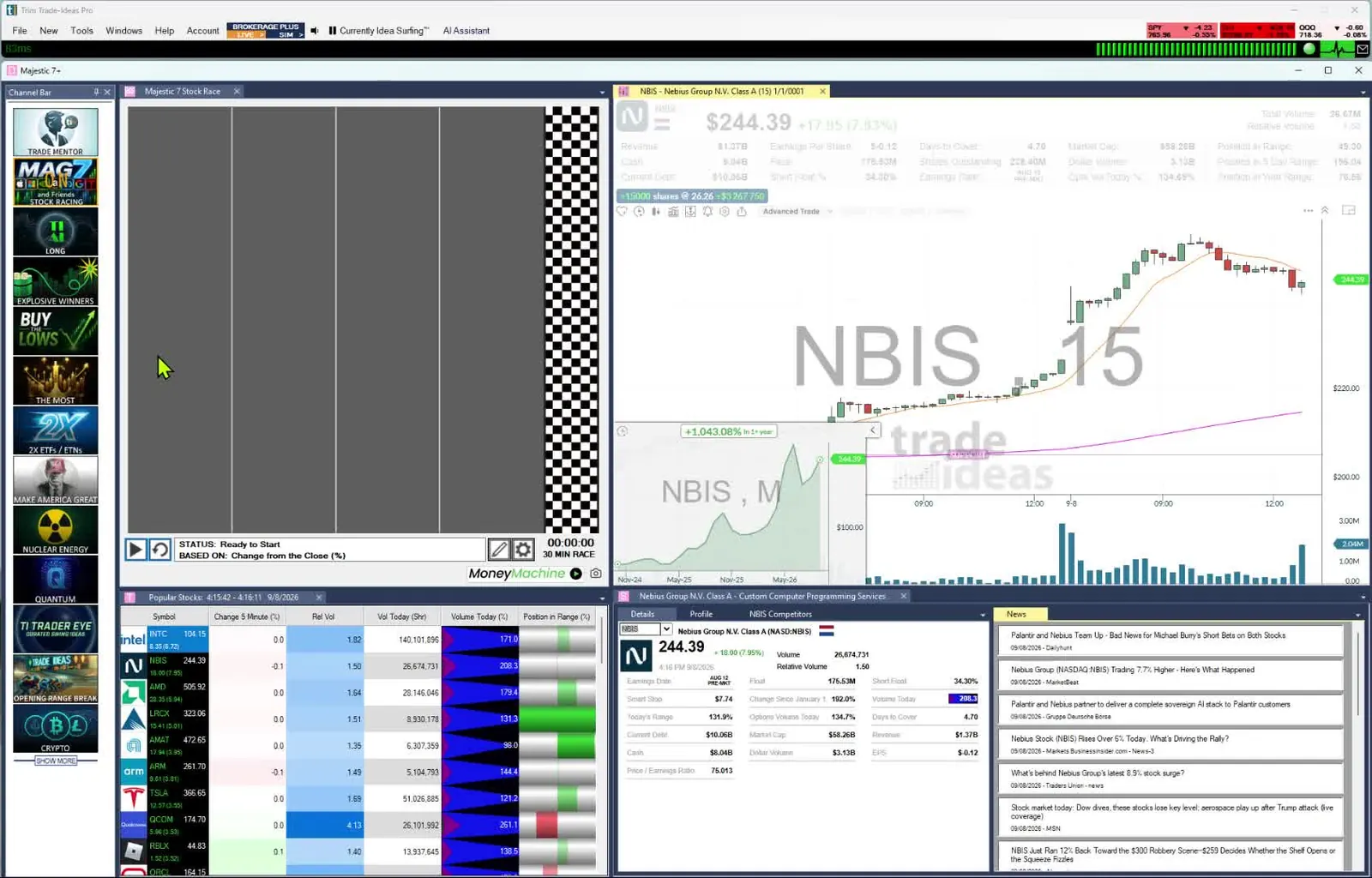
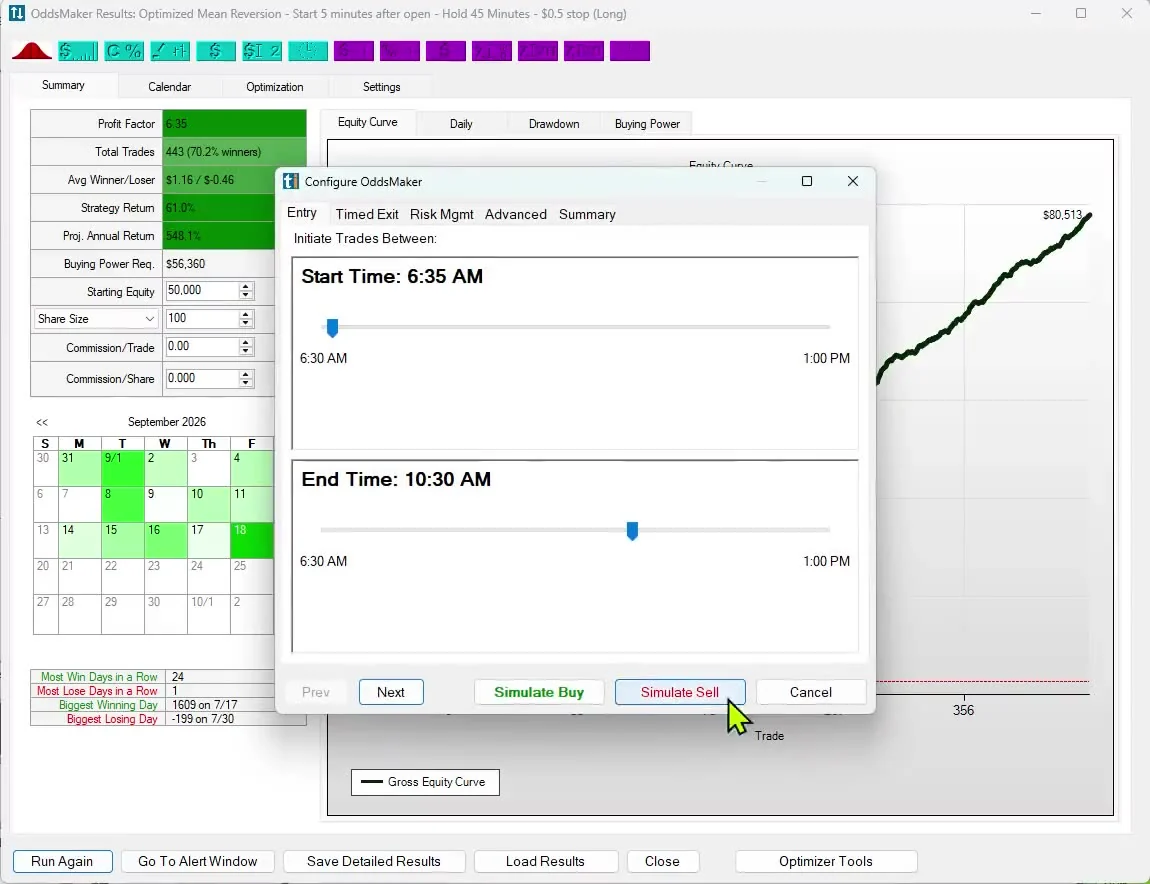
Write the filters. Drop them into a strategy. OddsMaker tests that strategy and reports profit factor, win rate, the equity curve, and drawdown. It uses about 64 days of one-minute bars. The strategy that survives is a custom AI, OddsMaker-driven, and it belongs to your account. No one else has that script unless you share it.
Built-in filters are measurements Trade Ideas has already defined. The Formula Editor lets you define new ones. Start from the underlying variables in the filter codes list, combine them with math, Boolean logic and if-statements, and save the result as a custom filter. Built-in filters combine with AND; the Formula Editor guide shows how a formula can join conditions with OR as well.
Once saved, the measurement works like any other filter. Put it in a strategy, test the strategy in OddsMaker, and use the Optimization tab to see how the results break down by time of day, price, symbol and filter value. OddsMaker is part of TI Premium. The closed loop shows where this sits, between live data and Holly's nightly strategy selection.
TradingView markets scripting with Pine Script, its own language for chart indicators and strategies, and its community library shares scripts publicly. Trade Ideas Scripting is built for a different job: finding the stocks worth trading right now.
See Trade Ideas vs TradingView
Coming from chart scripts? Read stock scanner scripting.
You can also ask in plain English. AI Assistant builds Alert windows and Top Lists (Screeners) for you. Custom formulas are written by hand in the Formula Editor. The configuration screen is there when you want to build an alert by clicking, without a formula.
It is a custom scripting tool for live scan filters. You write the math on Trade Ideas data. The formulas save to your account.
No. Holly trades her own algorithms. Your formulas are a separate strategy that you test in OddsMaker.
AI Assistant builds Alert windows and Top Lists (Screeners) from plain English. AI Assistant is included in TI Pro on every Trade Ideas plan. You write custom formulas yourself in the Formula Editor. If you need help, our AI Assistant can help you script.
Put it in a strategy and backtest it in OddsMaker. The result is unique to that script.
No. You combine filter codes that already exist. The custom part is the rule you build from them, and the OddsMaker result that belongs to you.
Past results, including backtests, don't guarantee future results.
Free account, just an email. No card. Live access for a limited time. Ready to buy? See plans & pricing